



Royalzino App: Mobile Casino Gaming
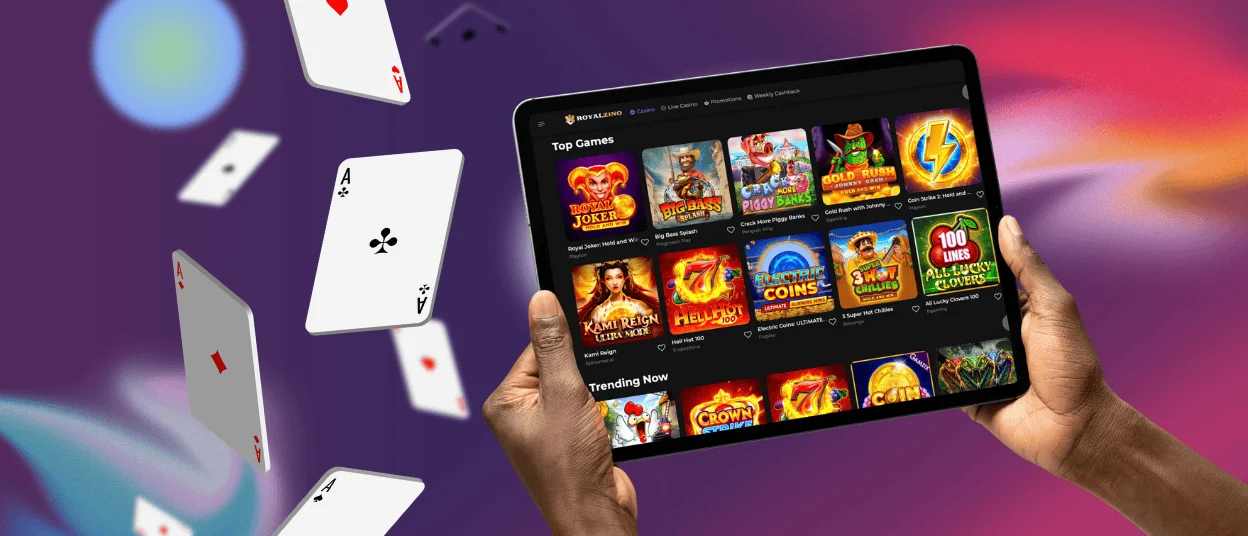
The Royalzino app lets players use the casino on a mobile platform. It is designed for fast loading and works on all smartphones. Our app duplicates the desktop version and combines all its features. With the Royalzino app, you can play any game in our library without restrictions.



Royalzino Mobile Platform
The Royalzino mobile platform works on any smartphone or tablet. Our mobile software loads quickly and is designed for touchscreen control. You can play anywhere on the go and outdoors. The mobile version offers the same games and account features as the PC version.
Both versions support all functions and quickly load everything you need. The Royalzino mobile casino of the platform and the PC version have their own advantages and features.
| Feature | Mobile Platform | PC Version |
| Access | Play anywhere with an internet connection | Requires a desktop or a laptop |
| Convenience | Touchscreen control, quick launch | Larger screen, mouse control |
| Game Library | Full access to all games | Full access to all games |
| Performance | Optimized for smaller screens | Better for long sessions |
| Account Management | Easy access with one tap | Detailed view on a larger display |
| Flexibility | Perfect for gaming on the move | Better for multitasking |
Royalzino Casino Mobile App for Android
Royalzino Casino is fully available for Android users. Our Android software makes the mobile gaming experience simple and fast. You can access all games, receive bonuses, and contact our support team from your mobile device. Our platform is optimized for quick loading on all Android devices. The interface is adaptive and easy to navigate on any screen size. Payments and account management are available in just a few taps. You can switch between desktop and mobile Royalzino Casino without losing progress.
We do not offer a separate Royalzino APK file. You do not need to search for our software in the Google Play Store or to download large files on your device. This reduces security risks and keeps your phone clean from unnecessary installations. It also saves storage space and protects your device from unofficial or modified versions. You always access the latest version of Royalzino Casino through your browser. Updates happen automatically without manual action.
PWA
Royalzino Casino has a modern PWA (Progressive Web App) solution. The PWA works right in your browser and can be put on your home screen in seconds, as it loads rapidly and also updates automatically. It offers full functionality without manual downloads and uses minimal storage. Royalzino PWA makes the gaming process faster and more convenient than a traditional Android app.
Royalzino Casino Mobile App for iOS
The Royal Zino Casino mobile app for iOS works on any iPhone or iPad device. It launches via Safari and does not require downloading from the App Store. The app works as a quick-access shortcut with fast loading. The advantage of the app is that players can receive notifications about all updates, new promotions, and new game releases. The icon instantly appears on the home screen for access to Royalzino Casino. The app takes up minimal space and has the same features as the desktop version.
How to Install the Royalzino iOS App
- First, you should open the Royal Zino website in Safari.
- Second, you need to tap the “Share” icon at the bottom of the screen.
- After that, you are supposed to select “Add to Home Screen” and tap “Add” to confirm.
Now you can launch Royalzino from your home screen.

Windows & macOS App Downloads
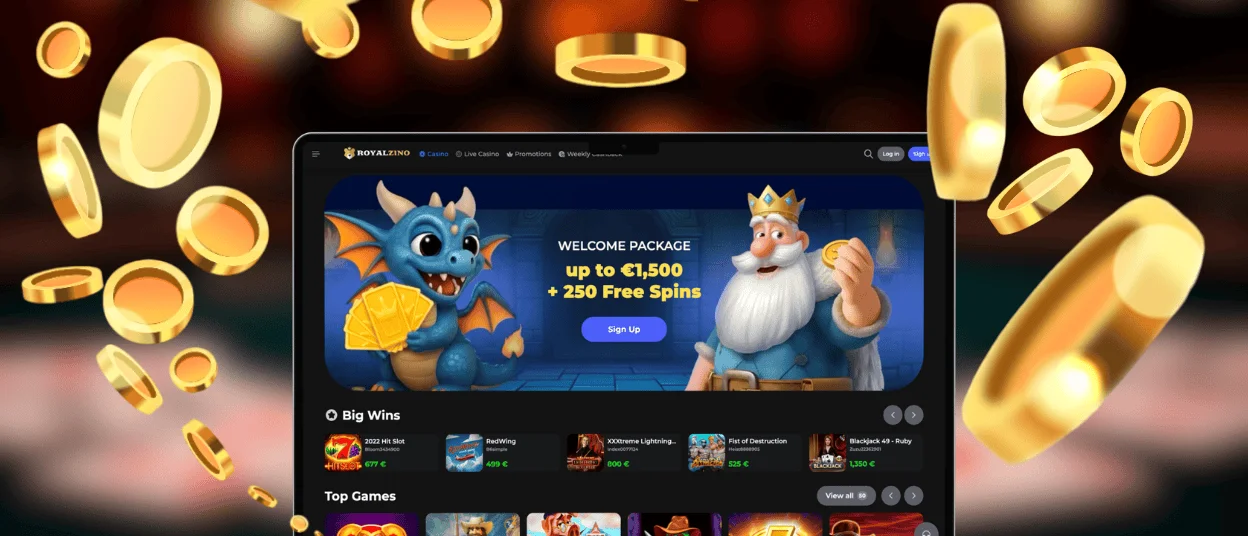
Royalzino Casino offers a web application for PCs running Windows and macOS. There is no need to install complex programs or download large files. Players can quickly create a shortcut on their desktop that works as a separate web application.
The Royalzino web application for desktop computers provides full access to all casino features. Users can play games and manage their accounts in our web app. Also, Royalzino players can complete the verification process, withdraw funds, and do many other activities. The interface is optimized for large screens and offers intuitive navigation. Games are streamed in high quality on desktop devices. The Royal Zino web application for Windows and macOS runs quickly and without downloading large files.
FAQ
Does the Royal Zino Casino App Offer Customer Support?
Yes, the Royal Zino Casino app provides full access to customer support. In the app, players can contact the support team via live chat, or they can write an email. Support is available around the clock and in several languages. You can get help with any questions or technical issues at any time.
Can I Cancel an Active Bonus?
Yes, you can cancel an active bonus if you decide not to use it. Open your Royalzino account settings and do it yourself in the bonuses section. You can also contact customer support for help. After cancellation, the bonus and any associated winnings may be forfeited according to the rules. Always check the rules before activating a bonus.
Are All Games Available in the App?
Yes, the Royalzino app gives you access to the entire game library. You can play online slots, table games, and live dealer games without restrictions. The selection of games is the same as in the desktop version. All Royalzino Casino games are optimized for mobile devices.
Are Bonuses Available for Mobile App Users?
Yes, mobile app users have access to all promotions. Welcome bonuses, cashback, tournaments, and other special promotions are available through the app. There are no differences between bonuses on the desktop and mobile versions. Players can activate and use bonuses through the Royalzino app.


